
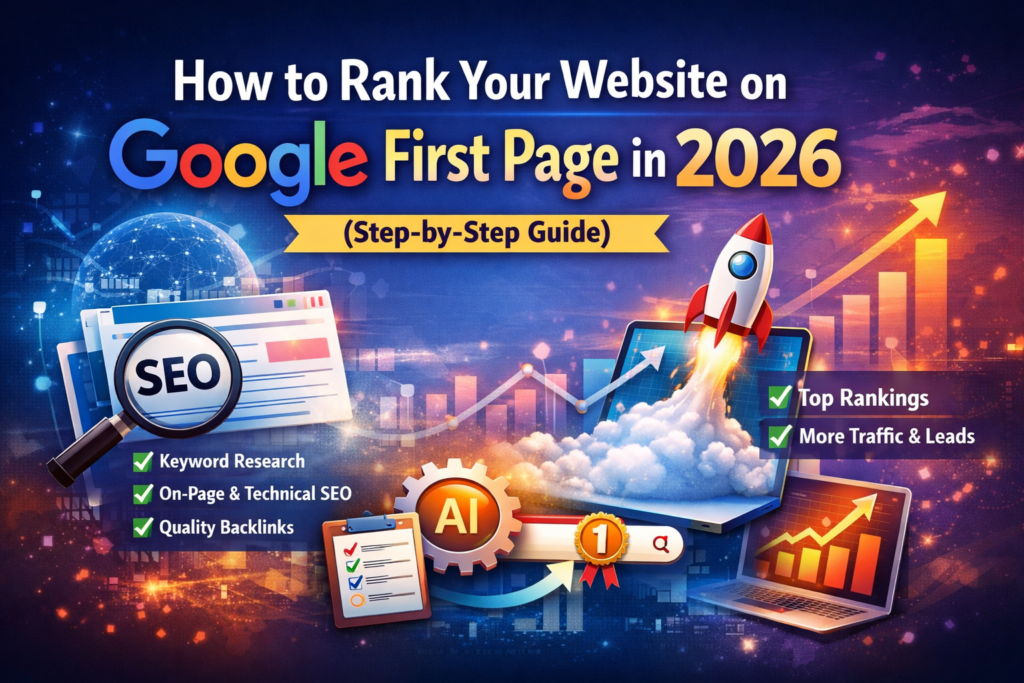
How to Rank Website on Google First Page—Complete Beginner’s Guide
Ranking your website on the first page of Google is one of the most effective ways to get traffic, leads, and customers. Most users never go beyond the first page, which makes it important for businesses and bloggers to optimize their websites properly. If you are a beginner, don’t worry. This guide explains how to rank your website on Google’s first page in simple and easy-to-understand steps.
Why Ranking on Google’s First Page is Important
When your website appears on the first page of Google, it increases visibility and credibility. People trust websites that appear at the top of search results. Higher ranking also means more clicks, more traffic, and better chances of conversions.
Benefits of ranking on the first page:
- More organic traffic
- Better brand visibility
- Increased trust and credibility
- Higher leads and sales
- Long-term marketing benefits
Step 1: Choose the Right Keywords
Keywords are the foundation of search engine optimization. They help Google understand what your content is about. You should choose keywords that people are actually searching for.
Tips for keyword research:
- Use long-tail keywords
- Focus on low-competition keywords
- Choose keywords related to your niche
- Check search volume
- Use question-based keywords
For example, instead of targeting “SEO,” target “how to rank a website on the first page.”
Step 2: Create High-Quality Content
Content plays a major role in ranking your website. Google prefers helpful and informative content that solves user problems.
Tips for writing SEO-friendly content:
- Write for users first
- Use simple language
- Add headings and subheadings
- Include keywords naturally
- Write detailed content
- Use bullet points
- Add images
Long-form content usually performs better because it provides complete information.
Step 3: Optimize Title and Meta Description
Your title tag and meta description help search engines understand your page and attract clicks.
Best practices:
- Include main keyword in title
- Keep title under 60 characters
- Write compelling meta description
- Add keywords naturally in the description.
A good title improves click-through rate, which can help improve ranking.
Step 4: Use Proper Heading Structure
Using headings improves readability and SEO. Organize content using H1, H2, and H3 tags.
Example:
- H1 for main title
- H2 for main sections
- H3 for sub-sections
This helps search engines understand your content structure.
Step 5: Improve Website Loading Speed
Website speed is an important ranking factor. A slow website can reduce user experience and increase bounce rate.
Ways to improve speed:
- Compress images
- Use caching plugin
- Choose fast hosting
- Use lightweight theme
- Minimize plugins
A fast-loading website improves both SEO and user experience.
Step 6: Make Your Website Mobile-Friendly
Most users browse websites on mobile devices. Google also uses mobile-first indexing.
Tips:
- Use responsive design
- Check mobile layout
- Optimize images
- Use readable fonts
Mobile-friendly websites rank better on Google.
Step 7: Optimize Images
Images make content engaging, but they should be optimized for SEO.
Best practices:
- Use compressed images
- Add alt text
- Use descriptive file names
- Use proper size
Image optimization improves page speed and ranking.
Step 8: Build Quality Backlinks
Backlinks are links from other websites to your site. They act as votes of trust for search engines.
Ways to build backlinks:
- Guest posting
- Blog commenting
- Directory submission
- Social sharing
- Creating shareable content
Quality backlinks improve domain authority and ranking.
Step 9: Use Internal Linking
Internal links connect pages within your website. They help users navigate and improve SEO.
Benefits:
- Improves crawlability
- Reduces bounce rate
- Distributes link authority
- Keeps users longer on site
Link related posts naturally in your content.
Step 10: Optimize for On-Page SEO
On-page SEO helps search engines understand your content.
Checklist:
- Use keyword in title
- Use keyword in first paragraph
- Add keyword in headings
- Use keyword naturally in content
- Add internal links
- Add external links
Avoid keyword stuffing, as it can harm your ranking.
Step 11: Publish Content Regularly
Google prefers websites that update regularly. Posting new content signals that your website is active.
Tips:
- Publish blog posts weekly
- Update old content
- Add new information
- Improve existing articles
Consistency helps improve ranking over time.
Step 12: Use Social Media to Promote Content
Social media helps drive traffic and increase visibility. Sharing your content increases chances of backlinks.
You can share on:
More traffic can indirectly improve ranking.
Step 13: Improve User Experience
Google ranks websites that provide good user experience.
Focus on:
- Easy navigation
- Clean design
- Fast loading
- Mobile friendly
- Clear structure
Good user experience reduces bounce rate and improves ranking.
Step 14: Track Your Performance
Tracking helps you understand what works and what needs improvement.
Use tools to track:
- Website traffic
- Keyword ranking
- Bounce rate
- Click-through rate
Analyzing data helps improve your SEO strategy.
Common Mistakes to Avoid
Avoid these mistakes:
- Keyword stuffing
- Duplicate content
- Slow website
- Poor mobile design
- Low-quality backlinks
- Ignoring user experience
Fixing these issues can improve ranking faster.
Conclusion
Ranking your website on Google’s first page requires proper SEO strategy, high-quality content, and consistency. Start by choosing the right keywords, creating helpful content, and optimizing your website for speed and mobile users. Build quality backlinks, improve user experience, and update your content regularly.
SEO takes time, but with the right approach, you can achieve higher rankings and steady organic traffic. By following these simple steps, beginners can improve their chances of ranking on the first page of Google and growing their online presence successfully.
